

A No-Nonsense, Plain‑English Guide for Small Businesses
Why Backups Matter for Small Businesses
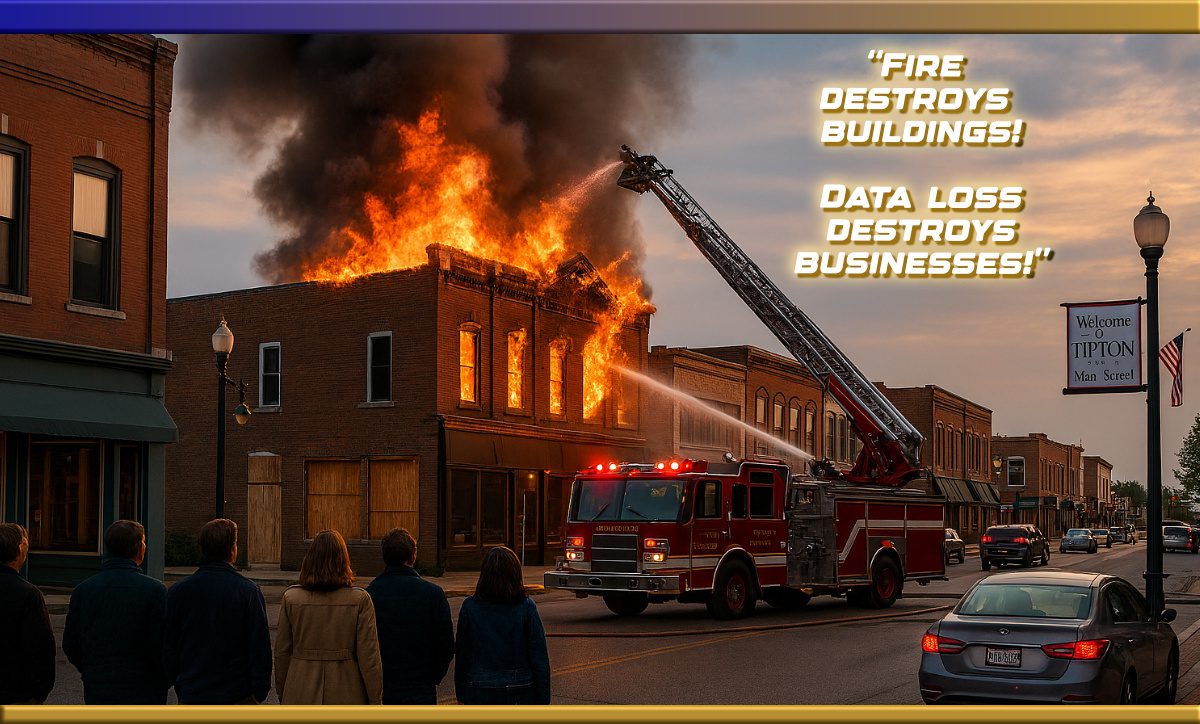
Your business data is the backbone of your operation. Customer records, invoices, payroll, and inventory lists- lose those, and you’re in a world of hurt. We take it for granted that our data is safe.

The most common threats affecting small businesses:
-
-
- Hard drive failure
- Ransomware attacks
- Accidental deletion
- Power outages and storms
- Theft or fire
- Cloud sync mistakes
-
Most small businesses don’t realize how vulnerable they are until something goes wrong. A solid backup plan keeps your business running even when technology doesn’t.
Storage is NOT Backup
NAS (Network Attached Storage) devices/drives are not backups; they are storage. If a NAS fails or is hit by ransomware, your data is gone.
Dropbox, OneDrive, and Google Drive are also not backups. They sync files, which means if a file is deleted or corrupted on one device, the cloud version updates to match the mistake.
A true backup is a separate, protected copy of your data.
Why Encryption Matters
Encryption locks your data so only you can open it. If you store backups in the cloud, on an external drive, or off‑site, encryption keeps your business information safe.
Data encryption renders sensitive information unreadable to unauthorized users,
protecting against breaches, ransomware, and identity theft.
The 3‑2‑1 Backup Rule
This is the gold standard for small business data protection:
-
-
3 copies of your data
-
2 different types of storage
-
1 copy stored off‑site
-
Follow this 3-2-1 Rule, and you’re protected from nearly every disaster.

A Simple, Affordable Backup Setup
For most small businesses, we recommend:
-
- Daily automatic backup to an external USB drive
- Automatic cloud backup for off‑site protection
- Occasional manual backup stored off‑site
This setup is budget‑friendly and follows the 3‑2‑1 rule without adding complexity.
The Real Cost of Ransomware for Small Businesses
Ransomware has become one of the biggest threats facing small businesses today, and it’s hitting mom‑and‑pop shops just as hard as big companies. When ransomware strikes, it locks all your files, email, customer records, invoices, payroll, and everything, and the criminals demand money to unlock them.
Many small businesses think, “We’re too small to be a target,” but the truth is the opposite. Attackers know small businesses often have weaker protection, and they go after them on purpose. The average ransomware incident now costs a small business tens of thousands of dollars in downtime, lost sales, recovery costs, and sometimes the ransom itself. Some businesses are forced to shut their doors for days or even weeks, and a surprising number never fully recover and close. The scary part is that even if you pay the ransom, there’s no guarantee you’ll get your data back. That’s why having a solid backup plan, especially one that follows the 3‑2‑1 rule, is the single best defense against ransomware.
Ransomware attacks are no longer just about disrupting operations,
they’re increasingly targeting backups.
Real Examples of Ransomware Damage
Ransomware isn’t just an “IT problem” anymore; it has already caused major damage across the United States, hitting businesses, hospitals, schools, and even entire city districts. In recent years, several hospitals have had to cancel surgeries and divert emergency patients because their computer systems were locked down by attackers. School districts from the Midwest to the East Coast have lost access to student records, payroll systems, and communication tools, forcing them to shut down for days. Cities like Atlanta and Baltimore have spent hundreds of millions of dollars recovering from ransomware attacks that froze everything from utility billing to police reporting systems.
Small businesses have been hit just as hard: restaurants unable to process orders, manufacturers unable to run equipment, accountants locked out during tax season, and local shops losing years of financial data overnight. These attacks show how widespread and disruptive ransomware has become, and why having a solid backup plan is one of the most important protections a small business can have.
Click on this link to view Ransomware Victims in the United States Ransomware.live is a free, independent, and continuously updated threat intelligence platform
tracking ransomware groups and their victims worldwide.
Why Backups Matter for Small Business,
Solo-entrepreneurs and Mom‑and‑Pop Shops
Small businesses don’t have IT departments. You need something that works every day without fuss. A proper backup plan protects your business, saves money, reduces downtime, and keeps your doors open even when things go sideways.
Backups protect against hardware failure, cyberattacks, and human error.
Need Help Setting Up a Backup Plan?
Magnify247 helps small businesses across Central Indiana communities, from Tipton, Elwood, Cicero, Kokomo, Noblesville, Westfield, Carmel, and the surrounding area set up simple, reliable backup systems that fit their budget.